

In short
- Hermes uses Serpkin's remote HTTP MCP endpoint.
- Start with monitor-only access; research is optional.
- Existing Hermes configuration is preserved.
- A repository is needed for implementation, not reviewing findings.
Use Hermes to keep track of SEO across your sites, review an audit and prepare a focused mission for a coding agent. Hermes connects to Serpkin as a remote MCP client. You can begin without a repository: add a public website in Serpkin, then create a monitor-only key under Agents. Choose research access only when you want Hermes to investigate opportunities using your allowance.
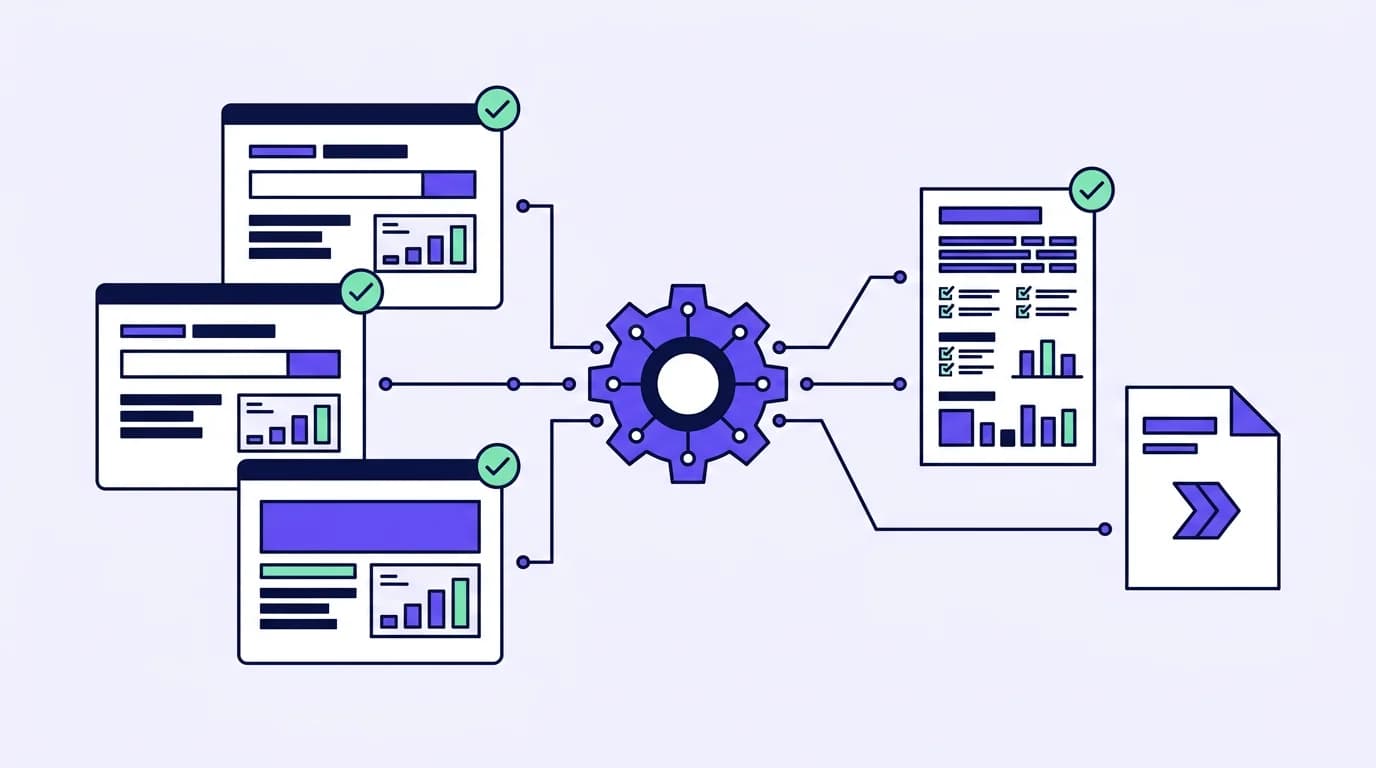
- 1ReviewRead the site audit and dated findings with monitor-only access.
- 2DecideChoose a supported mission. Research is optional and uses credits.
- 3Hand offPass the current brief to your coding agent. Review and deploy its work.
Connect Hermes
Merge this server entry into your active Hermes profile's configuration, normally ~/.hermes/config.yaml. Keep any existing servers. The placeholder is an environment reference, not the key itself. Store your real SERPKIN_API_KEY in the profile's private environment or the process environment used to launch Hermes. Keep it out of repositories and chat transcripts.
mcp_servers:
  serpkin:
    url: "https://serpkin.com/api/mcp"
    headers:
      Authorization: "Bearer ${SERPKIN_API_KEY}"
Reload MCP or restart the session so Hermes discovers the server. If you prefer the terminal, npx serpkin --connect-only --agent hermes prepares configuration without registering a site or uploading a route map. It creates a fresh config when appropriate; a nonempty existing config is preserved for a deliberate merge. The CLI device-login key is full access. For monitoring or a custom ceiling, use the key created in the web app instead.
Check the connection
Call serpkin_get_workspace. List my sites and the access this connection has. Ask me which site to review, then show its current SEO status and best supported next action. Do not implement changes.A successful authenticated response confirms the transport and credential are working. Merely saving YAML does not. If Hermes shows an unresolved environment placeholder, set it in the active profile rather than another shell. If the server cannot be reached, check the HTTPS address and network access before repeating the setup. The endpoint is Streamable HTTP; it does not require a local stdio adapter.
Use it over time
For a weekly review, have Hermes read the saved summary, site-watch alerts and next mission. Ask for changed facts, their observation dates and the next decision. Missing measurements should remain missing. If research is needed, state its credit cost first and use a research-capable key with a monthly ceiling. Site schedules remain a separate workspace setting, so a key ceiling is not a total site-spend limit.
When you choose a mission, fetch its handoff and pass it through an authorized channel to an implementation agent. Hermes can follow the durable mission's history without editing files itself. The receiving agent re-fetches the current brief, records accepted work, submits the real artifacts and requests verification. A human reviews and deploys. No saved prompt or handoff is proof that a change was made.
These instructions use Hermes' documented remote-MCP and environment-reference interfaces. A local Hermes MCP client connected and discovered permitted tools using a disposable read-only key. This verifies transport and tool discovery, not a model-driven task session or every client version. See agent connections and access for roles, budgets and troubleshooting, or the management workflow for a practical routine.
Questions
Do I need a repository to use Hermes for SEO?
No. Add a public site in Serpkin and connect Hermes with a monitor-only key to review findings. A coding agent needs your project when you decide to implement a mission.
How do I know the Hermes MCP connection works?
Ask Hermes to call serpkin_get_workspace. A successful authenticated response should list your sites and key access. Saving config.yaml alone does not confirm a connection; check that SERPKIN_API_KEY is available in the active profile.
Can Hermes start paid research with a monitor-only key?
No. Research requires a research-capable key and available workspace credits. You can set a monthly ceiling for research started by that key; site-level schedules remain separate.
Sources
- Hermes MCP reference (checked October 30, 2026)